Method development
A WDS workflow for EPMA method development.
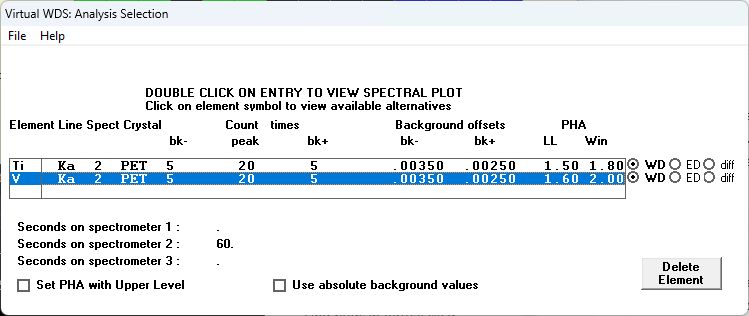
Training mode lets you choose the analytical line and crystal. Autoselect provides initial choices that you can inspect and revise. The Analysis Selection table brings the resulting conditions together for each element.
01Define the chemistry
Select elements and concentrations or enter a formula.
02Compare lines
Inspect alternative crystal and line combinations and their spectral neighborhoods.
03Review acquisition
Examine background positions, PHA conditions, beam current, and counting times.
04Compile the setup
Add the selected conditions to the analysis table and review spectrometer counting times.