Features
Virtual WDS features for spectral analysis.
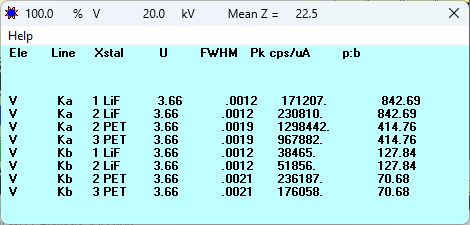
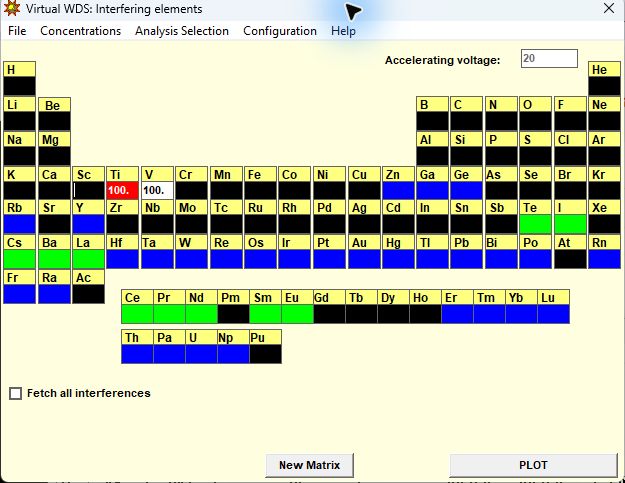
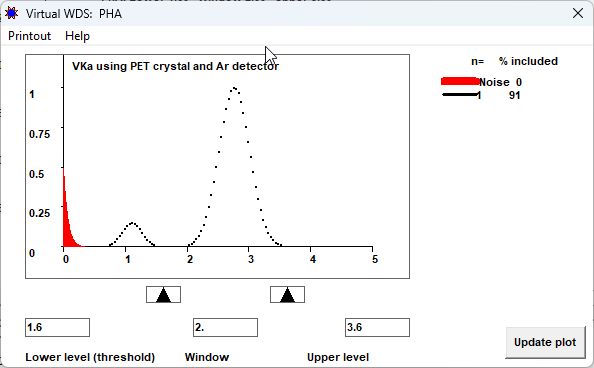
Virtual WDS brings composition, spectrometer geometry, spectral profiles, and acquisition parameters into the same analysis. Use it to investigate the choices behind a wavelength-dispersive measurement, from a candidate X-ray line to its background and detector settings.
Background placement
Set low and high background positions as offsets or absolute positions. Examine neighboring profiles and continuum contributions at the peak and backgrounds, and explore the available background-optimization criteria.
Counting strategy
Explore the allocation of counting time between the peak and backgrounds. Estimate precision and detection limits for a specified composition, beam current, and counting time, or investigate the time needed for a chosen target.
Instrument and display configuration
Set crystals, counter types, spectrometer range, and multilayer spacing. View spectral positions in sin θ, 2θ, wavelength, or energy, with linear or logarithmic intensity scales.
EDS spectra
Generate an energy-dispersive spectrum from the selected composition. Explore accelerating voltage, detector window, energy resolution, and escape-peak display alongside the WDS investigation.